
A box of beautifully designed, very useful Mac apps.
MixedBag gives you a thoughtfully made app for each of the things you do on your Mac every day, whether that is taking a screenshot, finding something you copied earlier or signing a PDF. Buy the box once, and every app inside is yours to use.
You can try every app free for 14 days, and you won't be asked for a card. After that, the whole box is $49.99 once, with 1 year of updates included.

- It is free for 14 days
- You buy it once
- There is no account to create
- Refunds are given within 14 days
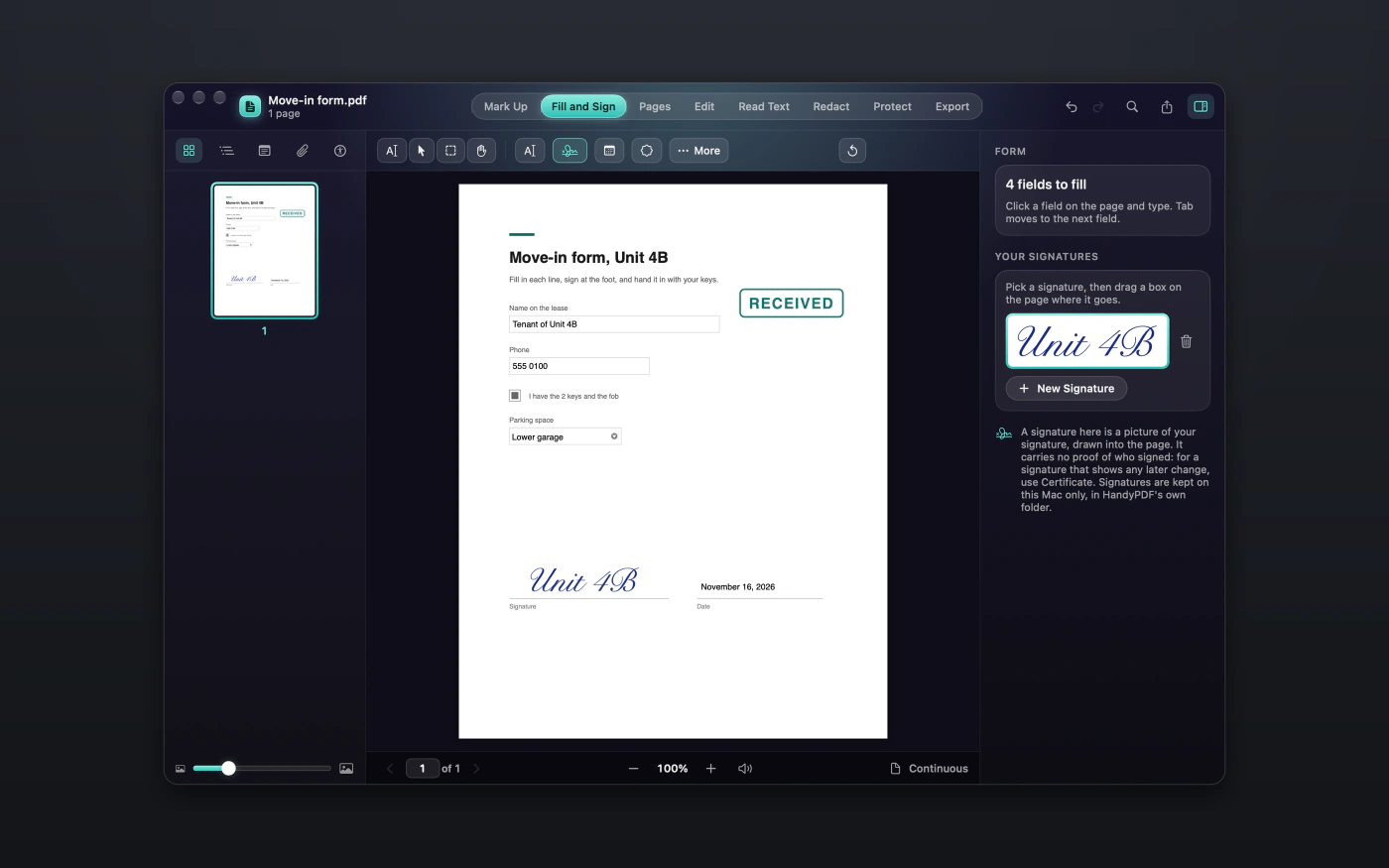
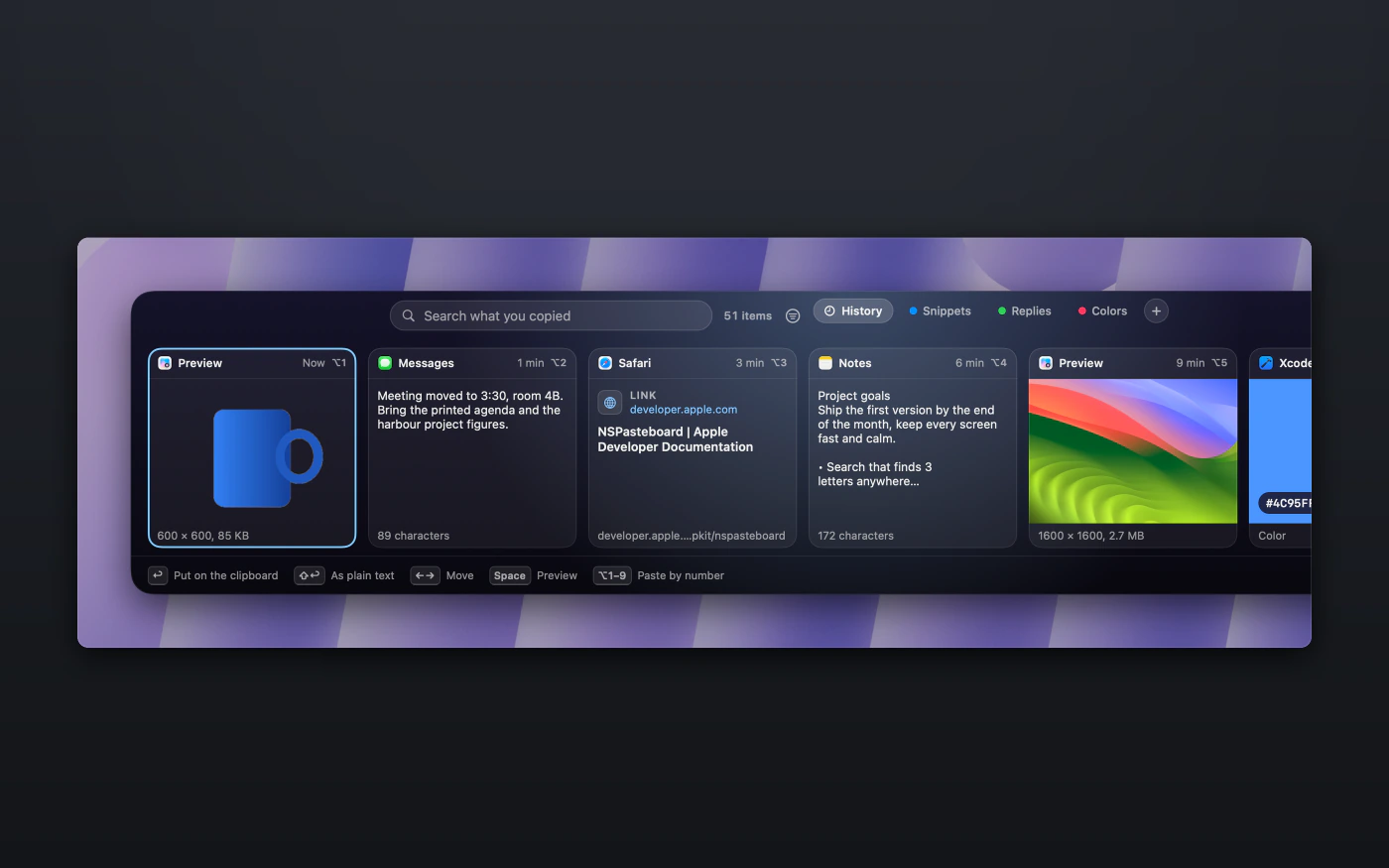
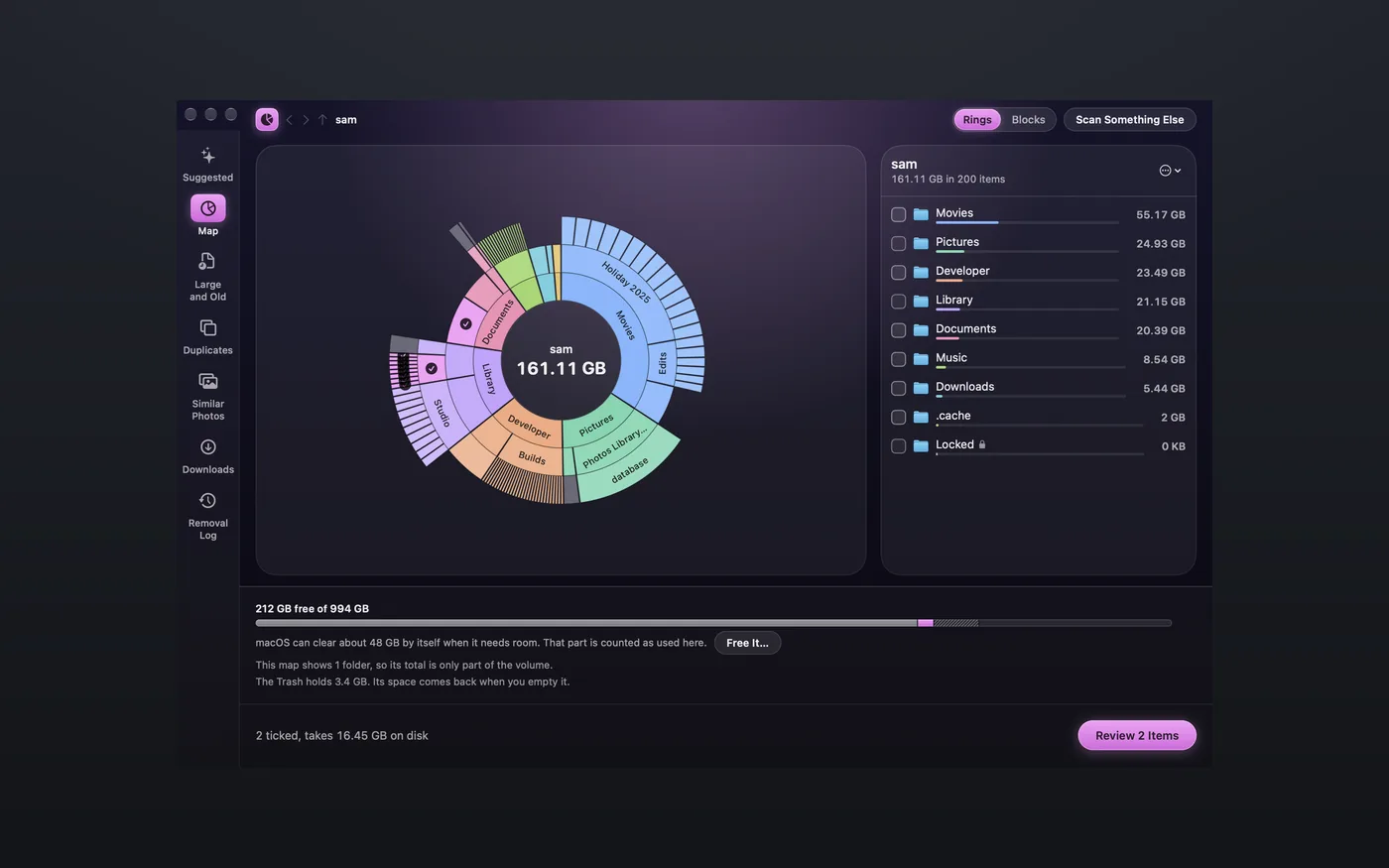
See what the apps look like






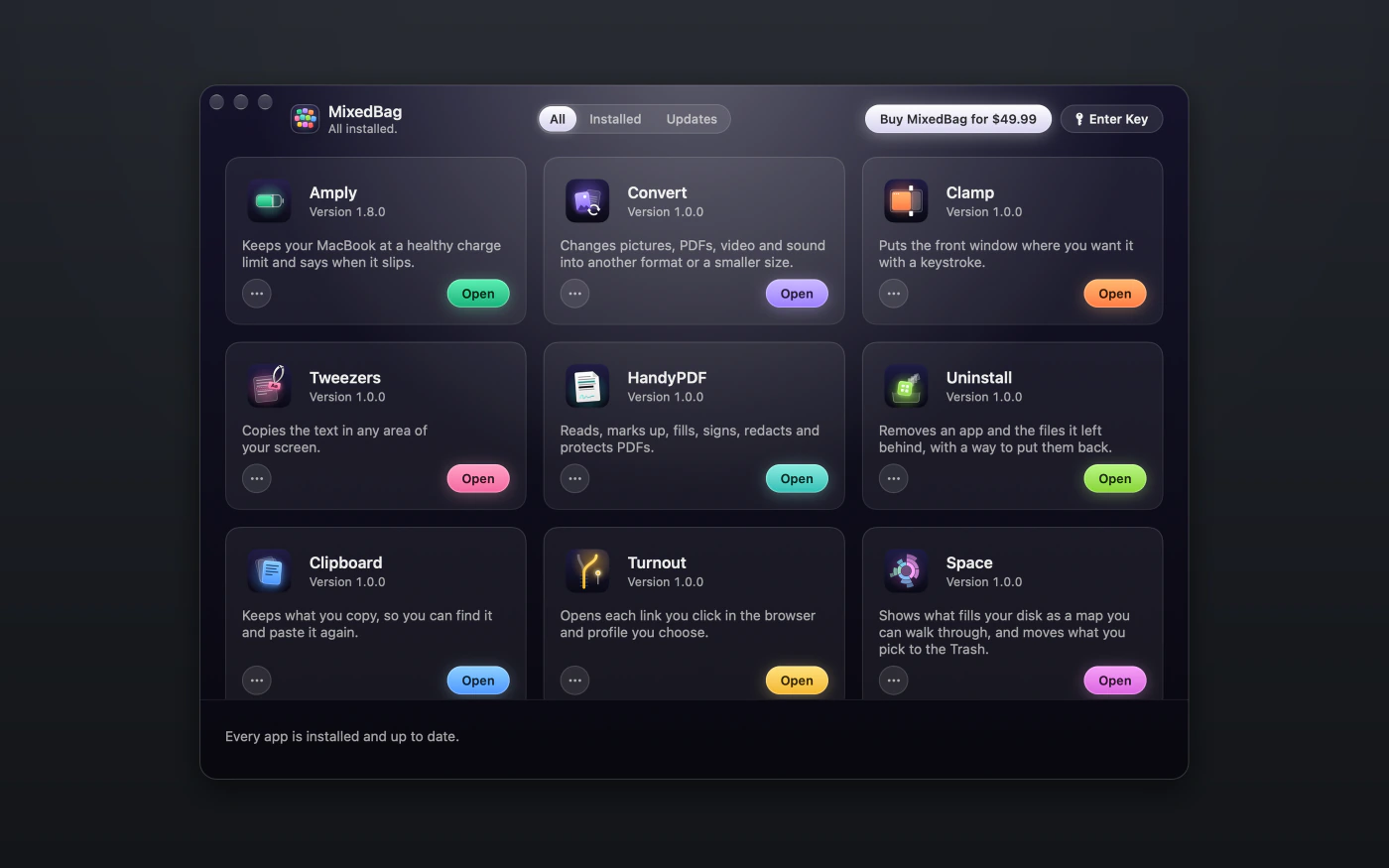
What's in the box
Every app in the box does one job well and has a page of its own, so you can read more about the ones that interest you and install only those.
Capture and copy
Files and PDFs
Look after your Mac

One purchase, every app
MixedBag brings a collection of beautifully designed Mac apps together in one place. A single key unlocks every app in the box on up to 3 Macs, and buying the box costs less than buying the apps one by one.

Install everything from one window
MixedBag is also a free app that sets up the others for you. Choose the apps you want, or press Install All to get everything at once, and from then on updates for every app arrive in that same window.
Using it is entirely up to you, because each app also has a download of its own.
Try everything first, then buy once
Try
Each app is free for 14 days from the first time you open it, with every feature included and no card required.
Buy
When you're ready, $49.99 gets you every app in the box, along with 1 year of updates.
Keep
After the first year, $19.99 a year keeps the updates coming. If you decide not to renew, your apps keep working exactly as they are.
What you do stays on your Mac
The files you convert, your clipboard history, your screenshots and your disk scans all stay on your Mac. There is no account to create, and the apps collect no analytics.
Most of the apps go online only to check your license, look for updates and fetch the list of the other apps in the box.
A few apps go online for a reason of their own. HandyPDF loads a web page when you ask it to save that page as a PDF, and Uninstall can check your other apps for updates, although that stays off until you turn it on.
Clipboard loads the page behind a link you copy so that it can show the page's title and picture, and one switch in its Settings turns that off.
Drives connects to the servers you add, because that is what it is for. Hawkly downloads new malware rules, and it sends nothing about your Mac in order to get them.
A few more things to know
Install only what you want
Every app is a separate download, so you can install just the ones you'll use.
Updates in one place
Updates for every app appear in the MixedBag window, so you never have to go looking for them.
Checked before it installs
MixedBag checks each download before it installs anything on your Mac.
Yours on up to 3 Macs
One key works on up to 3 Macs.
Try it free for 14 days, then pay $49.99 once
- Every app is free for 14 days from the first time you open it, with nothing held back, and you don't need a card.
- When you're ready, $49.99 gets you every app in the box, along with 1 year of updates.
- After the first year, $19.99 a year keeps the updates coming. If you decide not to renew, your apps keep working exactly as they are.
- One key works on up to 3 Macs.
- Amply reads your MixedBag key from version 1.8.0.
- You can also buy any app on its own for $9.99. Bought separately, they cost more than the box.
If it isn't right for you, email hello@aretebase.com within 14 days of buying and we'll give you your money back.
What you need
You'll need a Mac with Apple silicon running macOS 26 or later. Amply needs macOS 26.4 or later.
Questions
Do I have to install every MixedBag app?
No, you can install only the ones you want, because each app is a separate download. If you would like everything, the MixedBag app can install them all at once.
Is MixedBag a subscription?
No, it isn't. You pay $49.99 once, and that includes 1 year of updates. After the first year there is an optional plan at $19.99 a year for anyone who wants updates for every app to keep coming.
What happens when my year of MixedBag updates ends?
Your apps keep working, and you keep every version that came out during your year. Versions released after that need the $19.99 a year plan.
How many Macs does a MixedBag key cover?
A MixedBag key runs every app in the box on up to 3 Macs. Amply reads your MixedBag key from version 1.8.0.
Doesn't macOS already do some of what MixedBag does?
It does some of it, and at no cost. macOS can tile windows into halves and quarters, Preview handles a good deal of PDF work, and Live Text copies text from a picture you open. Each app's page explains what it adds on top of that.
Who makes MixedBag?
MixedBag is made by Aretebase. We also make Amply, the battery app in the box.
If you still have a question, write to us at hello@aretebase.com.
Try the whole box free for 14 days.
You can try every app free for 14 days, and you won't be asked for a card. After that, the whole box is $49.99 once, with 1 year of updates included.